Flash
MicroPython, CircuitPython and more
Put firmware on a Pico, any of 69 RP2 boards or an ESP32, or wipe it clean. Back up the board's files first.
Flash a board →A Northbridge Landmark product
Flash, write and run code on your Raspberry Pi Pico or ESP32, in a browser tab. Nothing to install.
What's here
Plug a board into your computer's USB port and use Chrome or Edge (Chromebooks work too). Safari and phones can't talk to USB boards yet.
MicroPython, CircuitPython and more
Put firmware on a Pico, any of 69 RP2 boards or an ESP32, or wipe it clean. Back up the board's files first.
Flash a board →Thonny's layout, in the browser
Open the board's files, edit, run, see the output in the terminal and install packages into lib/.
Ready-made projects
Blink, a Wi-Fi web server, a temperature logger, NeoPixels, a Wi-Fi clock. Fill in your pins and send it to the board.
Pick a starter →micropython-lib and more
Search drivers and libraries, install them from the IDE with their dependencies, or download a zip.
Browse packages →DuckyScript ↔ CircuitPython
Learn keyboard scripting by translating between DuckyScript and Adafruit's CircuitPython HID library.
Open the Translator →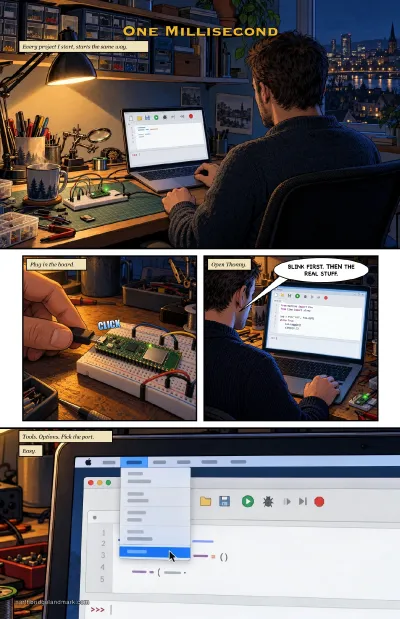 The comic · An IDE-A
One Millisecond
How this started: Thonny froze on macOS 27, so I built a flasher and an editor into my site, then went back and found Thonny's bug.
The comic · An IDE-A
One Millisecond
How this started: Thonny froze on macOS 27, so I built a flasher and an editor into my site, then went back and found Thonny's bug.